Motion graphics that land exactly when you say them.
Upload a talking-head video. Cardflow writes a card for every key point and brings each one in on the exact word you say it, in your brand.
For explainers, reviews, tutorials and courses. Free trial on your own video.
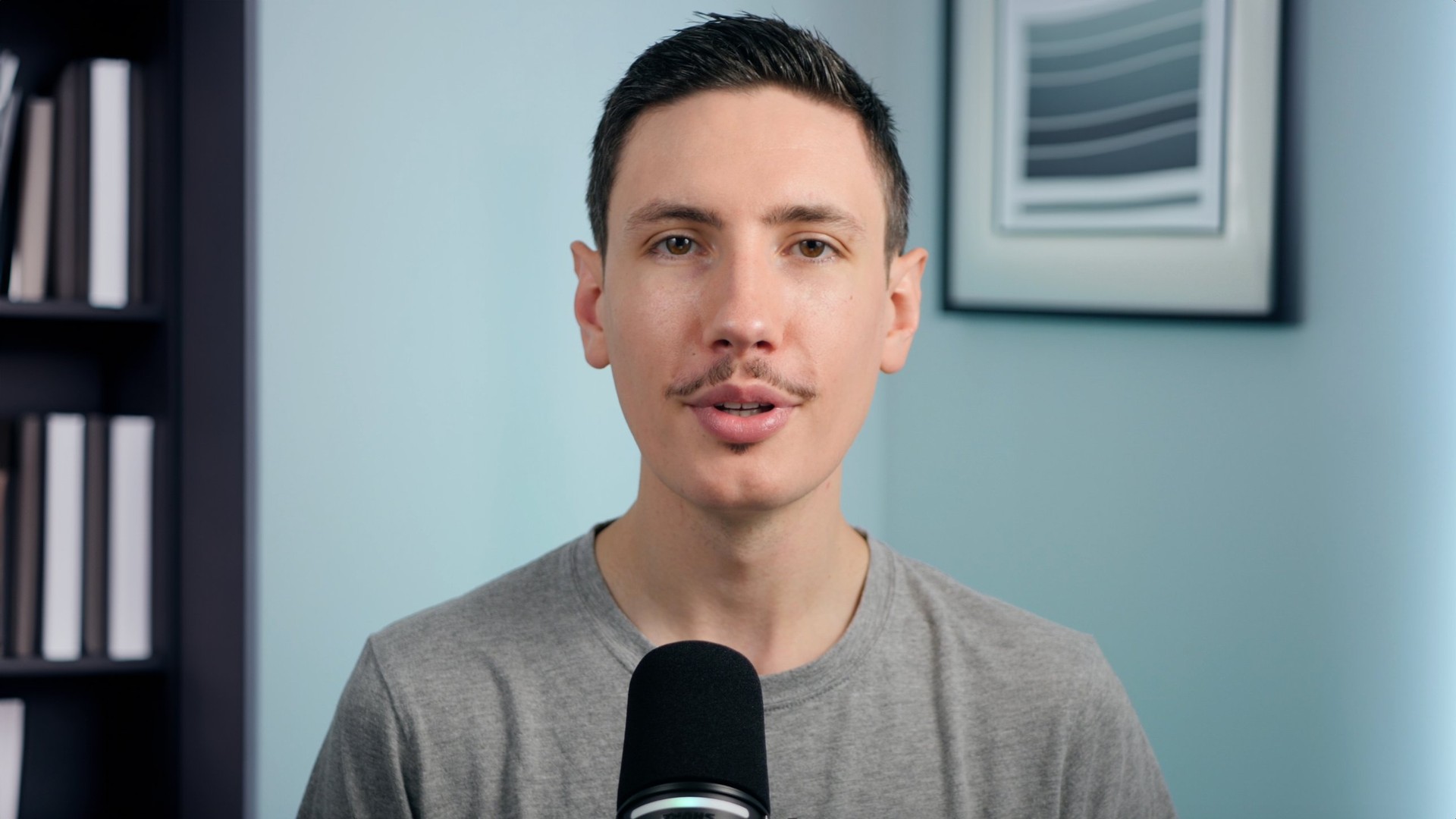


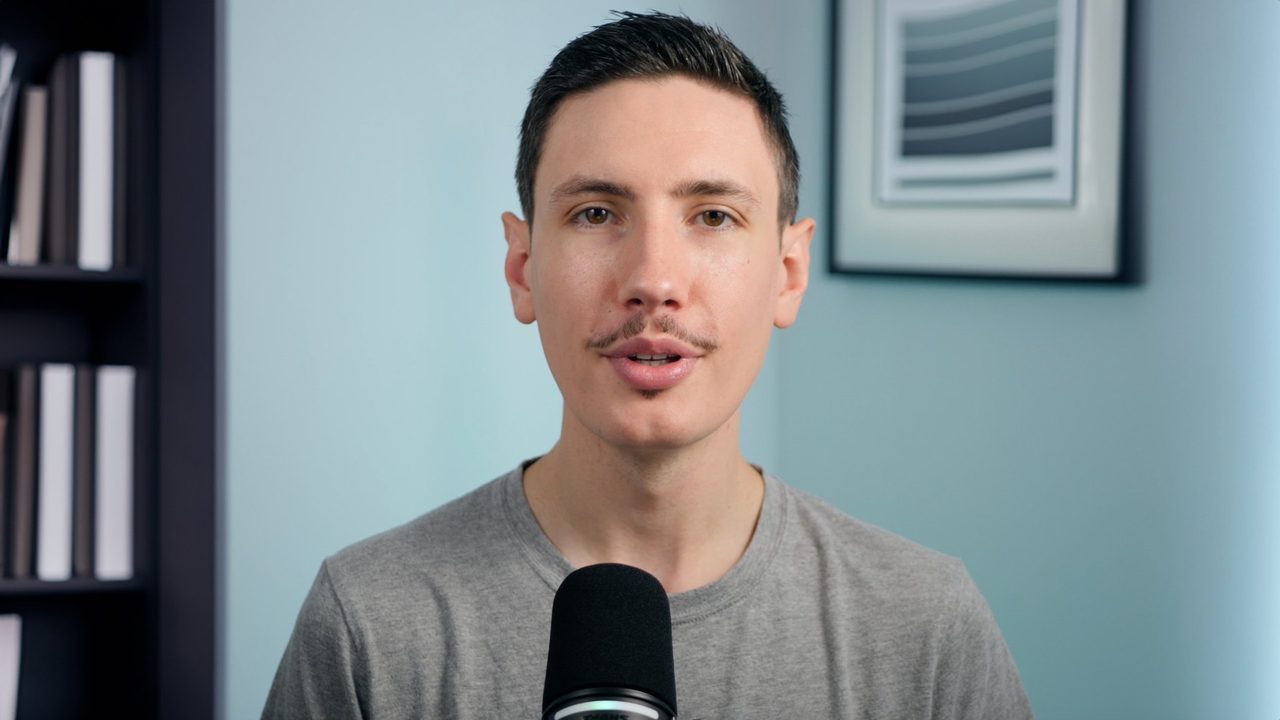
Three steps. Only one of them is talking.
You do the part only you can do. Cardflow does the hours of editing that come after.
1
Bring your video
Upload your talking-head video, or record one in your browser with a teleprompter. Add your screen recording for tutorials.
2
Cardflow plans the cards
Your words are transcribed one by one, and a title, list, stat or chart is written for each key point, timed to when you say it.
3
Tweak and export
Change any wording, drag a card on the timeline, try another style. Export the finished video, or just the cards for your own editor.
From a plain recording to a finished explainer.
Short-form tools are everywhere. Cardflow is for the long videos where on-screen graphics take an editor hours.
The details an editor would sweat.
Timed to your voice
Each card comes in on the words it belongs to, and highlighted words light up as you say them.
Charts from what you say
Mention a few numbers and get a bar, line or before-and-after chart. It only uses numbers you said.
You, in the corner
Face detection keeps you centred in the circle, and cards always stay clear of it.
Images, b-roll and screen recordings
Add them with your video and each one is placed where you talk about it.
Brand kits
Save a style and colours for each channel or client, and start every video in the right look.
Export your way
A finished video up to 4K, or only the cards, lined up at 0:00 for Premiere, Final Cut or Resolve.
Six styles, each in your brand colour.
Every style covers titles, lists, stats, steps and charts. Switch styles in one click and the whole video follows.
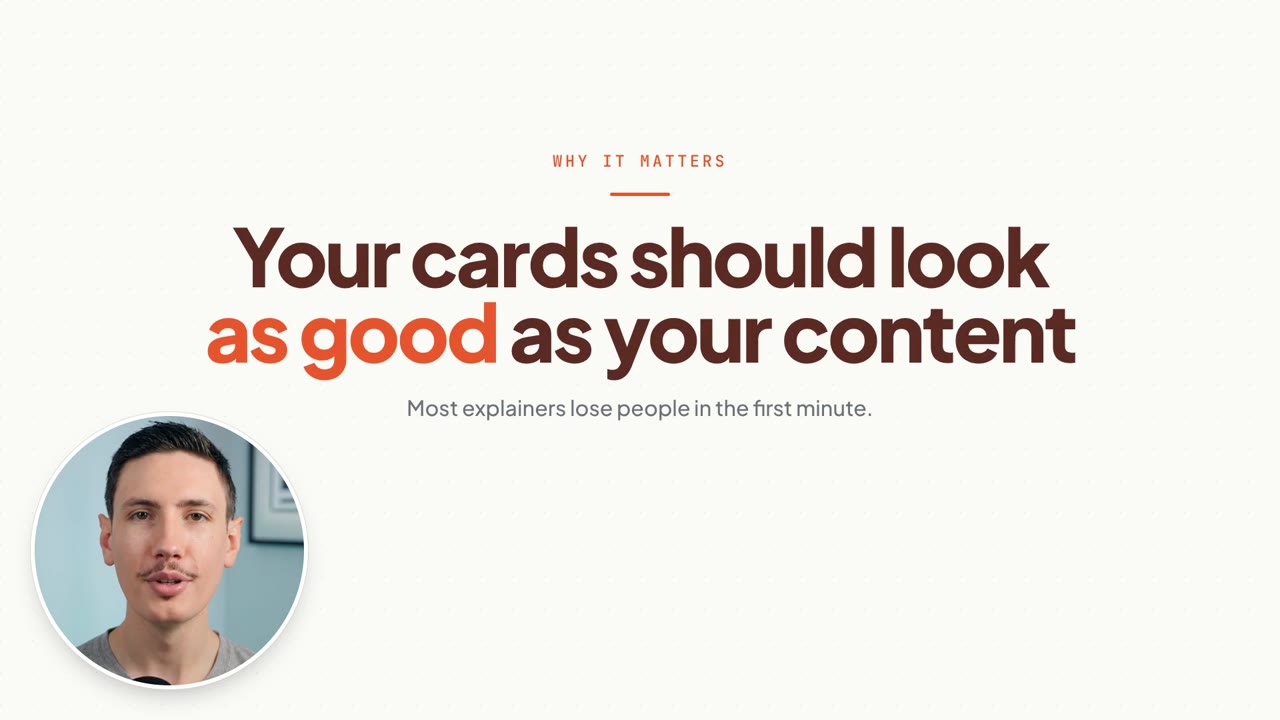
Clean
Light and editorial.
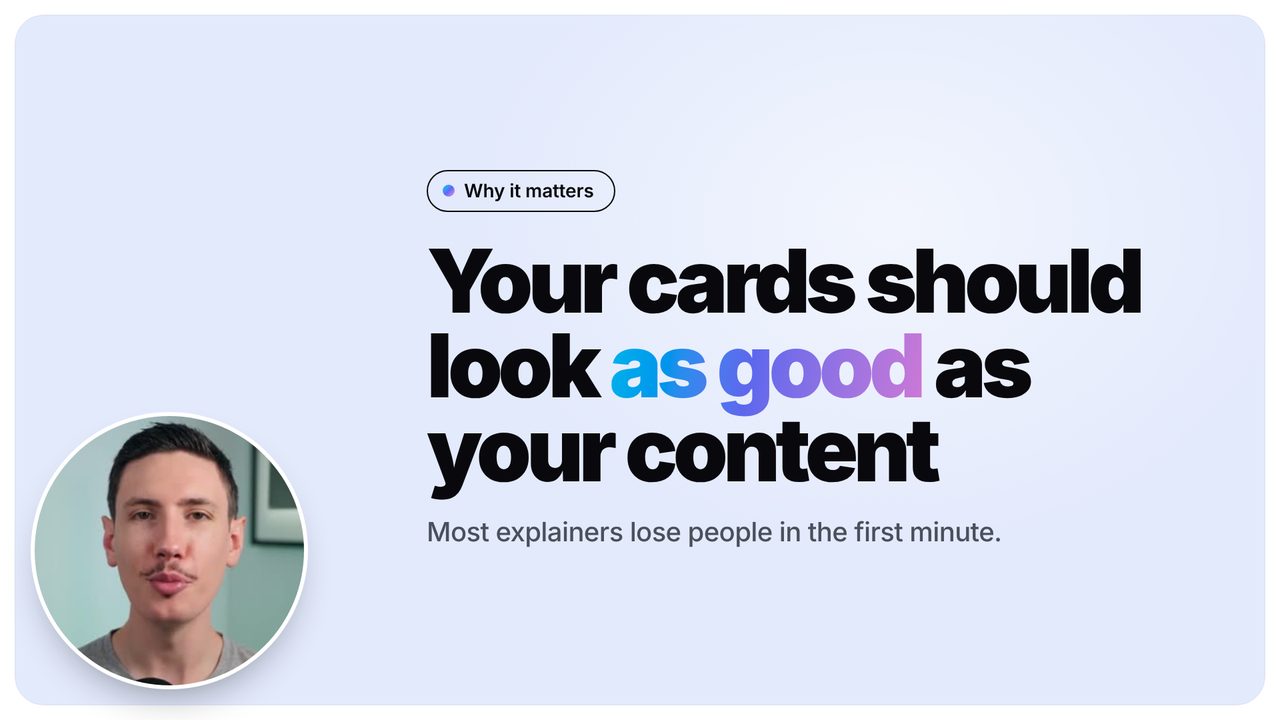
Bold
Huge type on your colour.
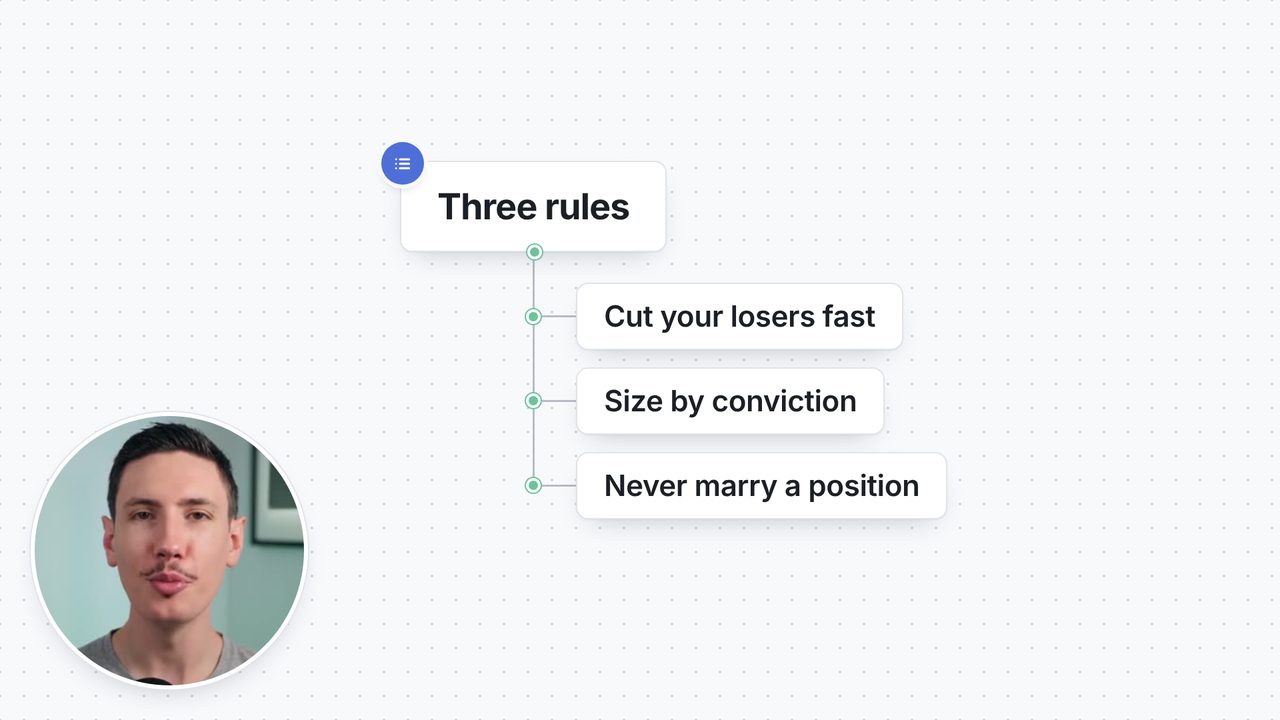
Whiteboard
Nodes and sticky notes.
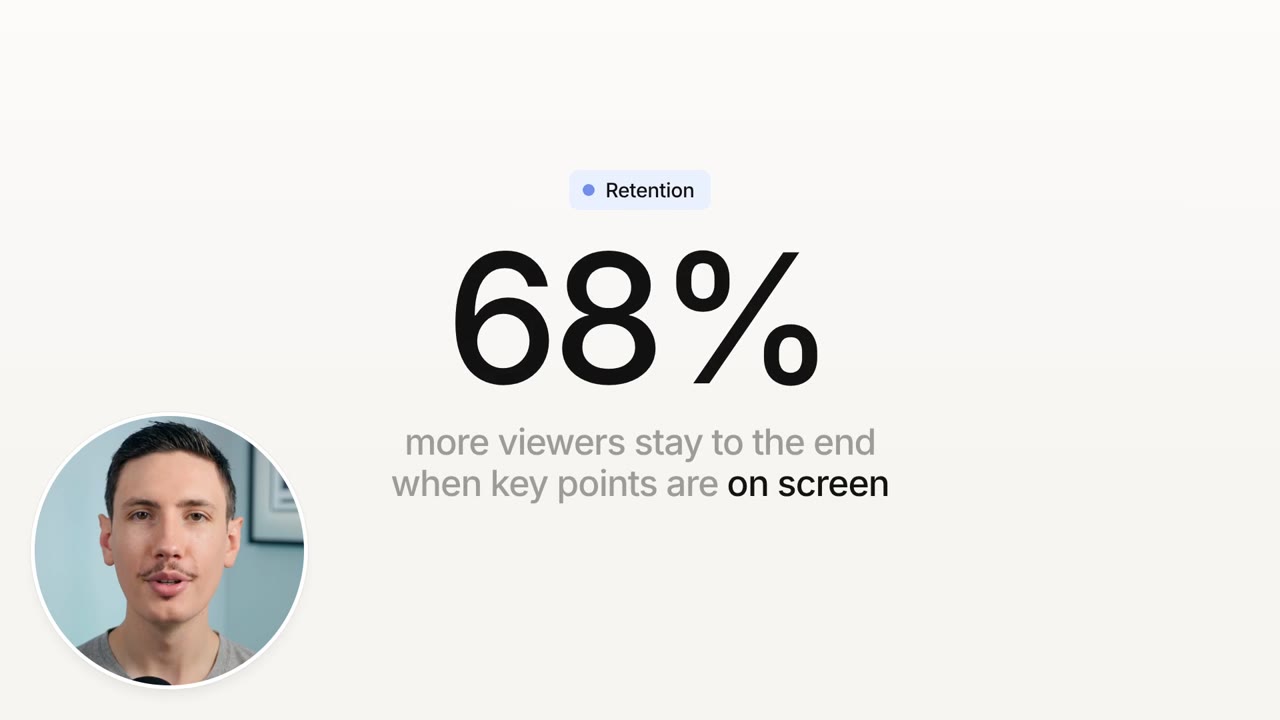
Minimal
Quiet two-tone type.
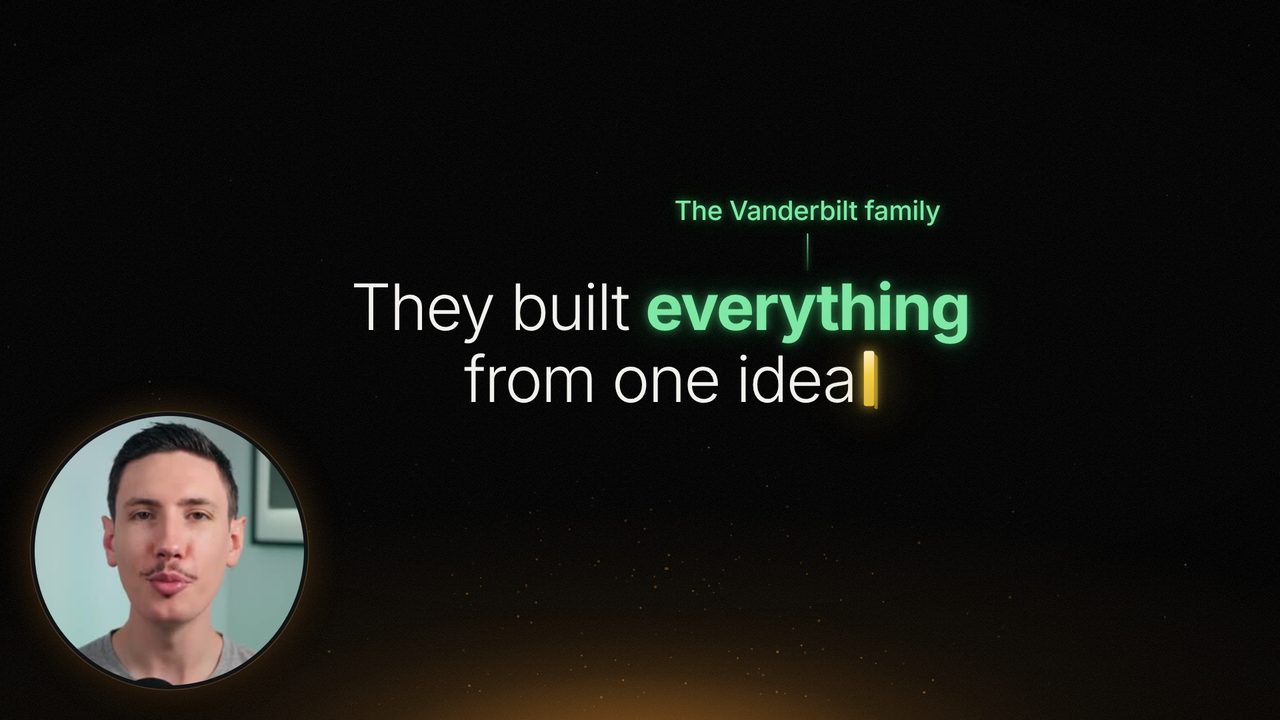
Glow
Type that writes itself.
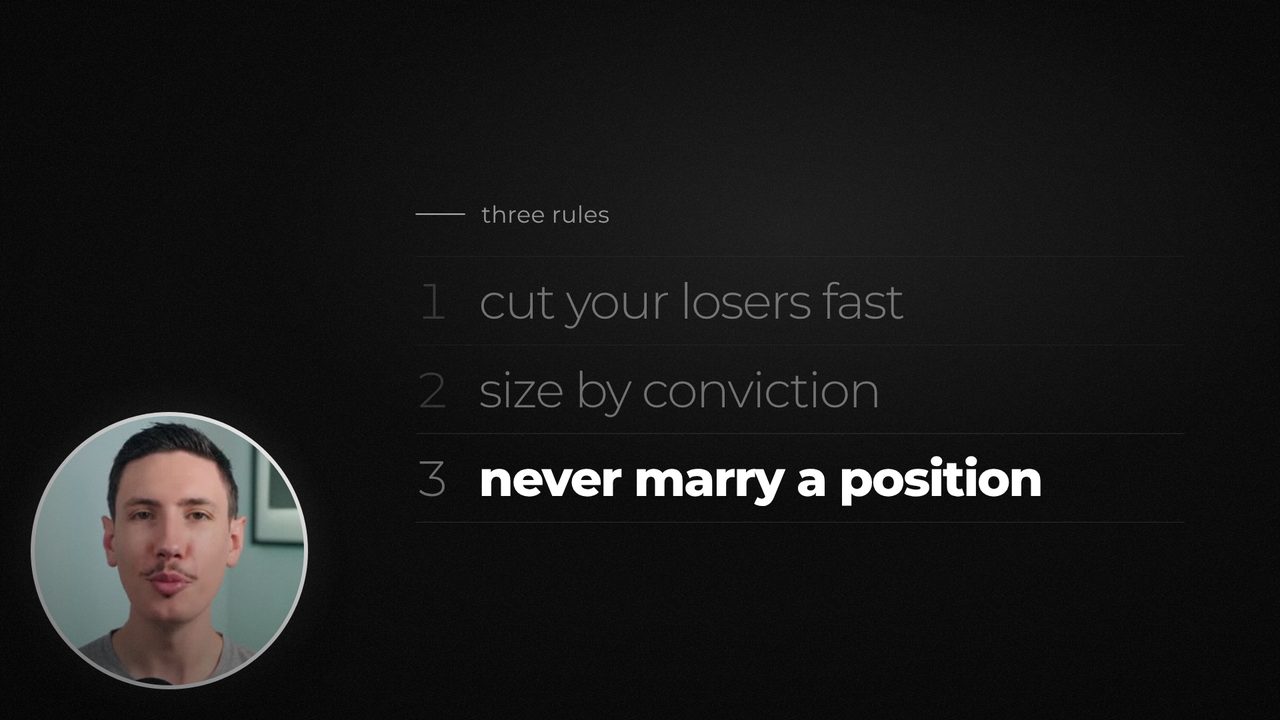
Noir
Cinematic black and white.
Pay for minutes of video, not seats.
Each plan includes minutes of video a month. Editing and previewing are free, and minutes start over every month.
Creator
30 minutes of video a month
$39/ month
Billed monthly
- All six styles and brand kits
- Charts from what you say
- 1080p export
Pro
Most popular75 minutes of video a month
$79/ month
Billed monthly
- Everything in Creator
- Tutorials with your screen recording
- 4K export
- Premium style packs
Studio
150 minutes of video a month
$149/ month
Billed monthly
- Everything in Pro
- A brand kit for every client
- A custom style, with yearly billing
Free trial on your own videoCancel any timeNeed more? 10 extra minutes for $15
Questions
What kind of videos is it for?
Videos where someone talks to the camera and explains something: explainers, product reviews, tutorials, courses and client videos. It works best from about one minute up to an hour.
Do I need a script?
No. Cardflow works from what you say. If you record in Cardflow you can paste a script into the teleprompter, and the cards use its spelling for names and terms.
Can I change the cards it writes?
Yes. Edit any wording, switch a card between title, list, stat and chart, drag it on the timeline, or ask for a rewrite. Every change shows in the live preview before you export.
Will the charts ever make up numbers?
No. A chart only uses numbers you said in that part of the video, or numbers you type in yourself. If there aren't enough, Cardflow tells you instead of guessing.
Can I use it with my own editor?
Yes. Export just the cards as one video the same length as yours, line it up at 0:00 in Premiere, Final Cut or Resolve, and keep editing there.
What happens if I run out of minutes?
Your minutes start over each month. If you need more before then, upgrade your plan or add 10 extra minutes for $15. Extra minutes never expire while you have a plan.
When can I start?
Cardflow is opening to a small group first. Join the waitlist and you'll get an invite with a free trial on your own video.
Your next explainer, finished before your coffee is.
Join the waitlist and you'll be first in, with a free trial on your own video.